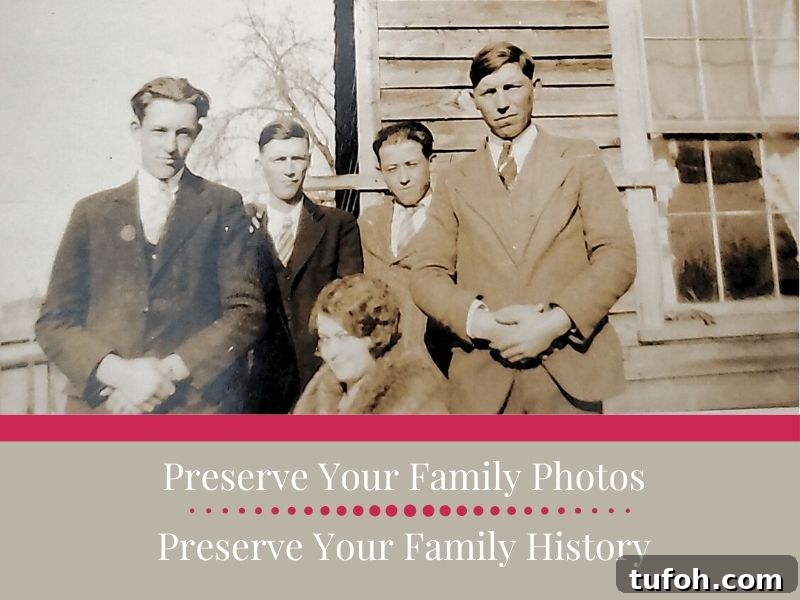
A simple method to scan and preserve family photos so memories remain safe for future generations. Use the Photomyne app to begin scanning today.
This post was sponsored by Photomyne. I received a complimentary subscription, and all opinions are my own. I only recommend products and services I use and believe others will appreciate.
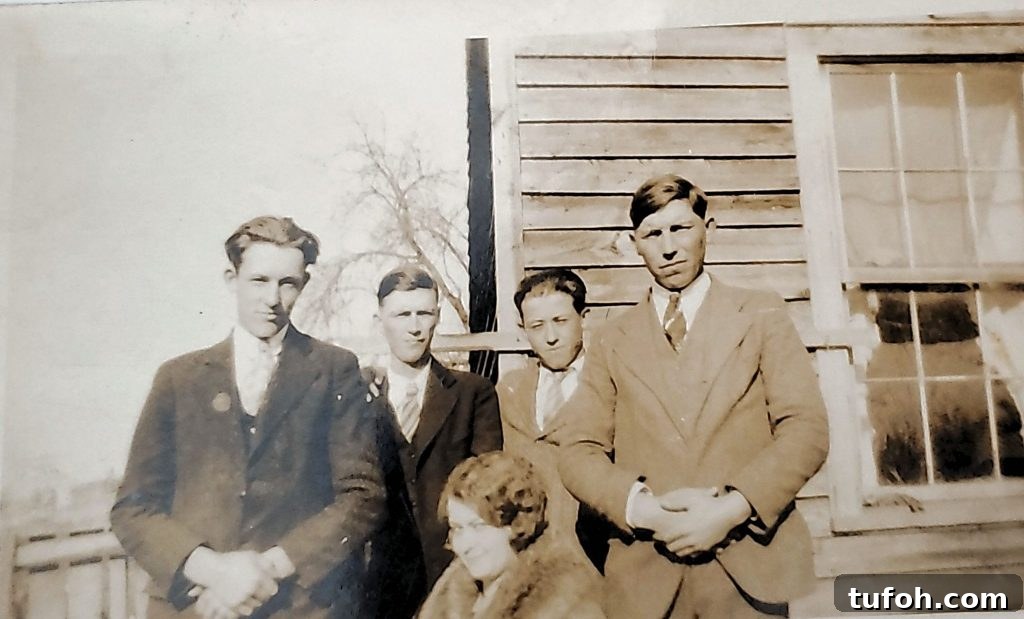
It all began with a single photograph.
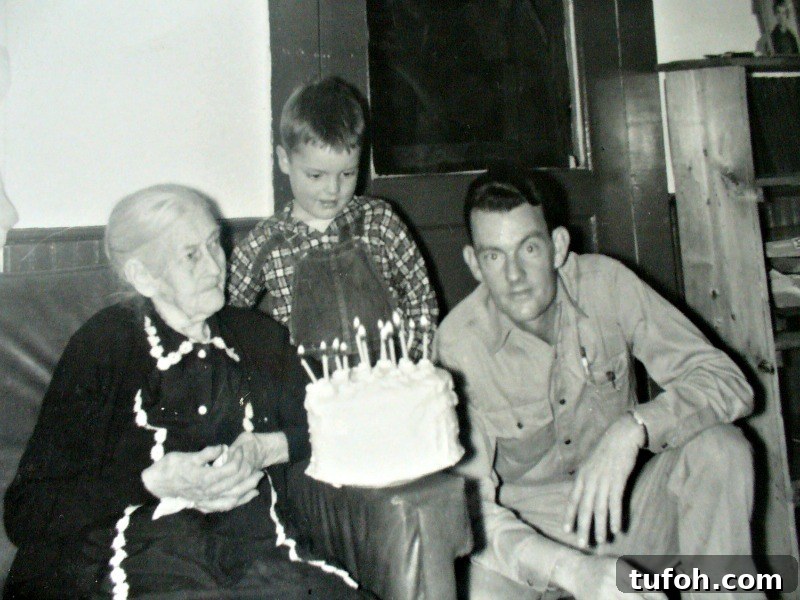
I recognized the older woman—Clara Holt Haley, my great-great-grandmother—but I didn’t know the man or the little boy. As I was new to genealogy, I didn’t know how to identify the photo, so I posted it on my family blog.
Several months later an anonymous reader left a comment identifying the woman as his grandmother. That comment started a genealogy happy dance. I posted another photograph featuring Clara, and the reader then revealed he was my grandmother’s first cousin. From there we exchanged family memories, connected with other relatives, and gathered oral histories from family members who are no longer with us.
Because of that discovery, my dad and I attended a Haley family reunion in southern Virginia. It was his first Haley reunion in 60 years.
All of that came from taking an old photograph out of a box—one of hundreds—and sharing it online.
What might be hiding in your boxes of photos? What stories and connections could reappear if you digitized and shared them?
Do you have family photos in boxes or albums that aren’t labeled? Are they deteriorating? Digitizing those images preserves them and increases the chance of reconnecting with relatives and discovering stories you didn’t know.
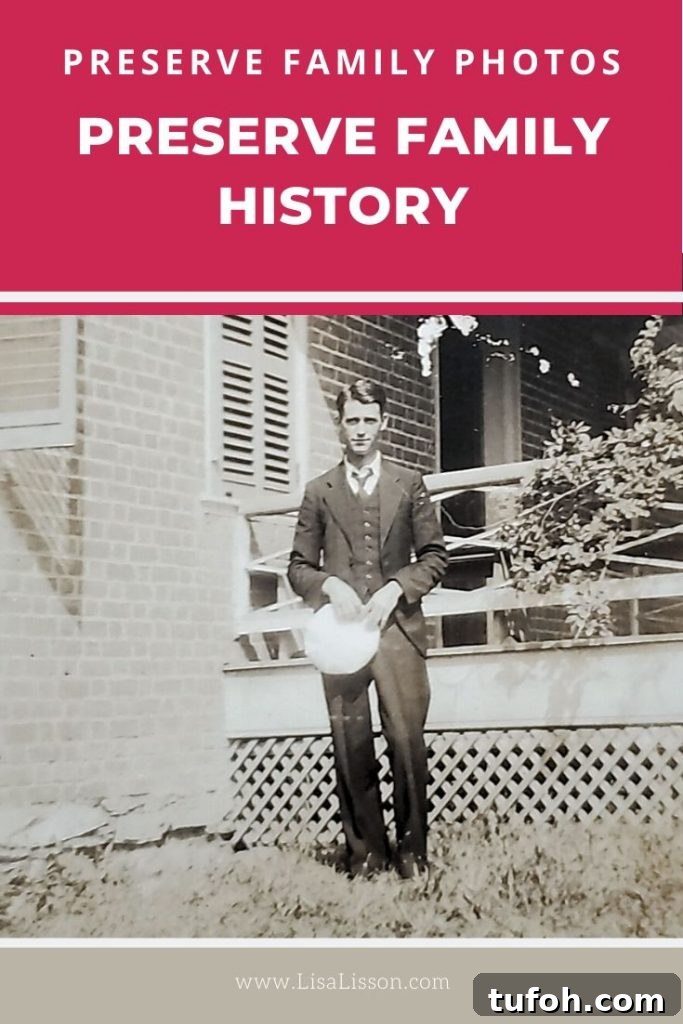
Preserving Old Family Photos Leads to More Family Connections
Many family historians inherit boxes of unlabeled photographs. Those images can spark discovery, but without context we miss the people, places, and stories behind them. Old photos are excellent conversation starters. When meeting distant cousins or recording oral histories, sharing an image is an easy way to open the conversation and trigger memories.
Tip: Whenever possible, give copies of the photographs to relatives you interview. It encourages storytelling and preserves shared history.
Preserving the physical photograph matters—older prints are fragile and need careful storage. But digitizing photos is equally important. Digital copies protect images from loss, let you share them widely, and make it easier to organize and search your collection. If you have hundreds of photos, starting can seem overwhelming. The good news: you don’t have to do it all at once.
With more time spent at home these days, scanning old family photos is a perfect project. I began mine recently and made fast progress. Below I’ll explain how I scan photos with minimal fuss so you can join in and preserve your family memories.
Let’s do this together.
My Favorite Tool for Scanning Family Photos
The best scanner or app is the one you will actually use. Some prefer a flatbed scanner or photographing prints with a camera. I prefer a faster, simpler approach that reduces steps and increases follow-through. For me, that tool is the Photomyne app.
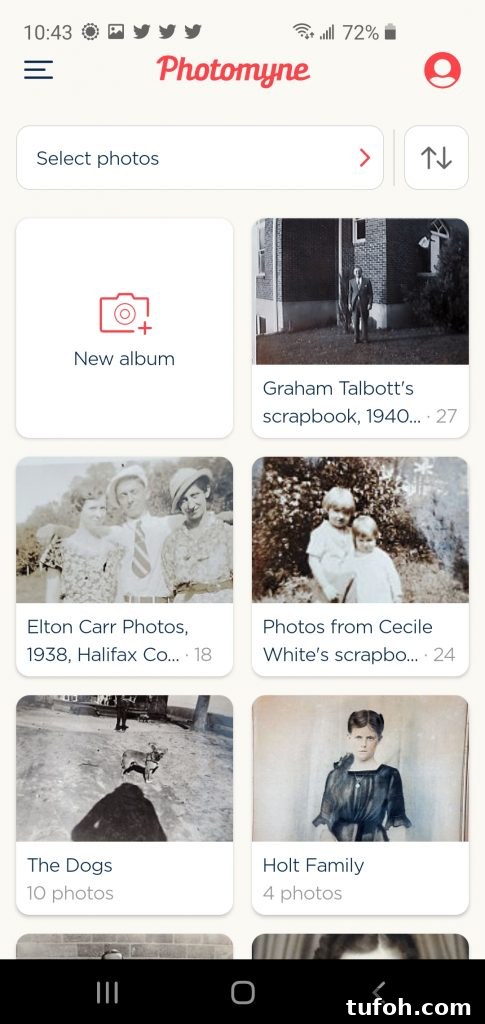
Photomyne is quick and easy—really fast. I scanned ten photos and emailed them to relatives in under five minutes. The app runs on phones and tablets (Android and iOS), so your scanner travels with you.
- Automatic cropping and edge detection
- Ability to scan multiple photos at once—handy for albums
- Organize photos into albums with titles and descriptions
- Dedicated web platform for storage and sharing (available with paid plans)
Photomyne’s free version is a great way to try the app, but it limits the number of scans and doesn’t include the web platform or cloud storage. Upgrading to a premium account enables unlimited scanning and options to free up local device storage—essential if you’re digitizing many images.
Ready to start? A few tips to keep you on track:
- Work in small batches—set a daily goal for the number of photos to scan.
- Organize by family group; it makes labeling and storytelling easier.
- You don’t need to digitize every print—discard obviously poor or damaged images if they add no value.
- Label files as you go. Consistent file names save time and future effort.
How to Digitize Photos with the Photomyne App
First, download and open the Photomyne app on your phone or tablet. The basic features and download are free.
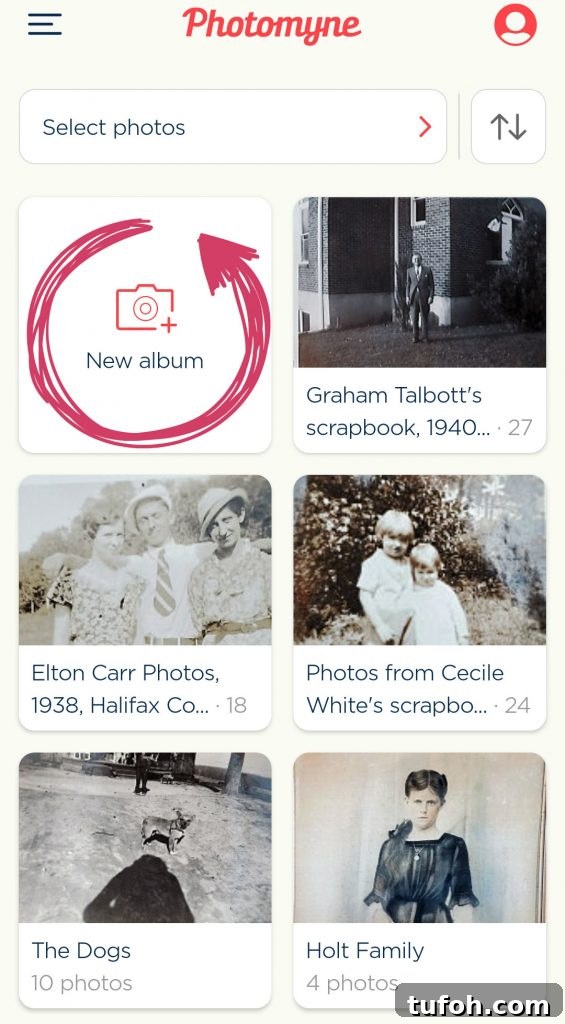
Tap “New Album.”
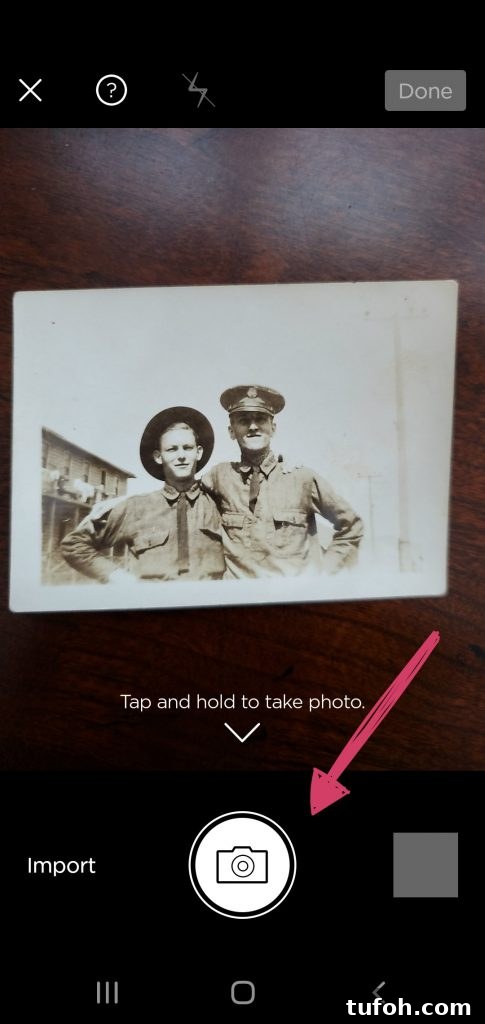
Hold your phone over the photograph and press the shutter button for about three seconds.
That’s it.
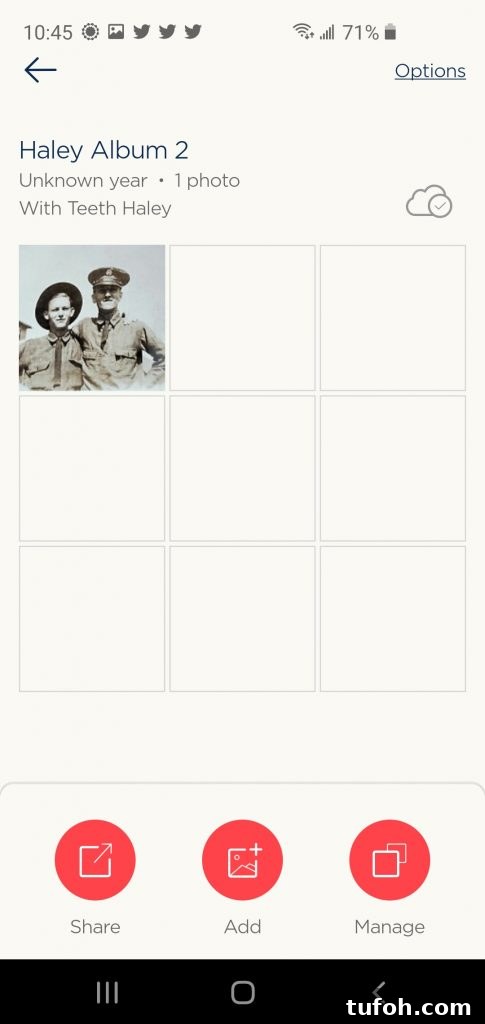
Use the app’s bottom buttons to share photos, add more images to the album, or manage entries. Inside the album you can add names, dates, locations, and notes—vital details that preserve context and help others recognize people in the pictures.
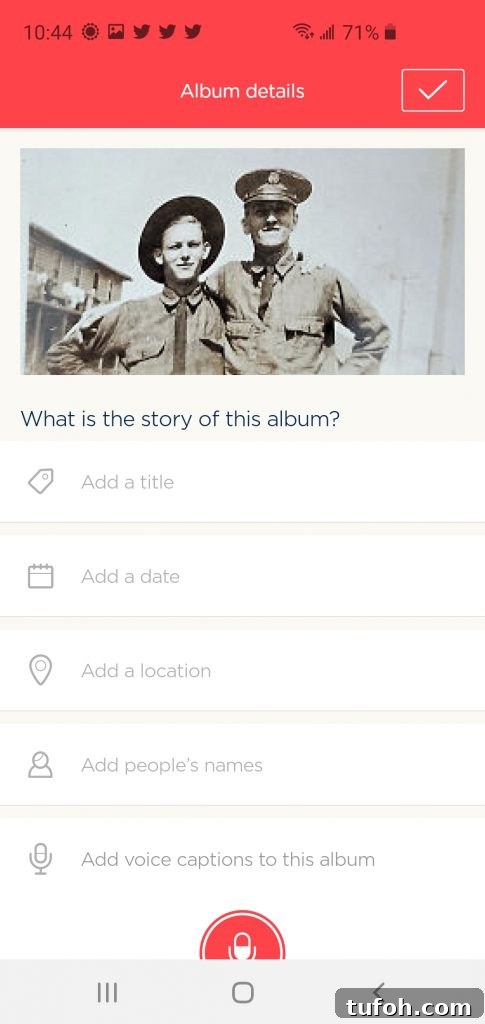
Share those photographs. Sharing increases the chance someone will identify unknown family members. The app makes it simple to send images by email or post them on social platforms.
Scanning Negatives and Slides
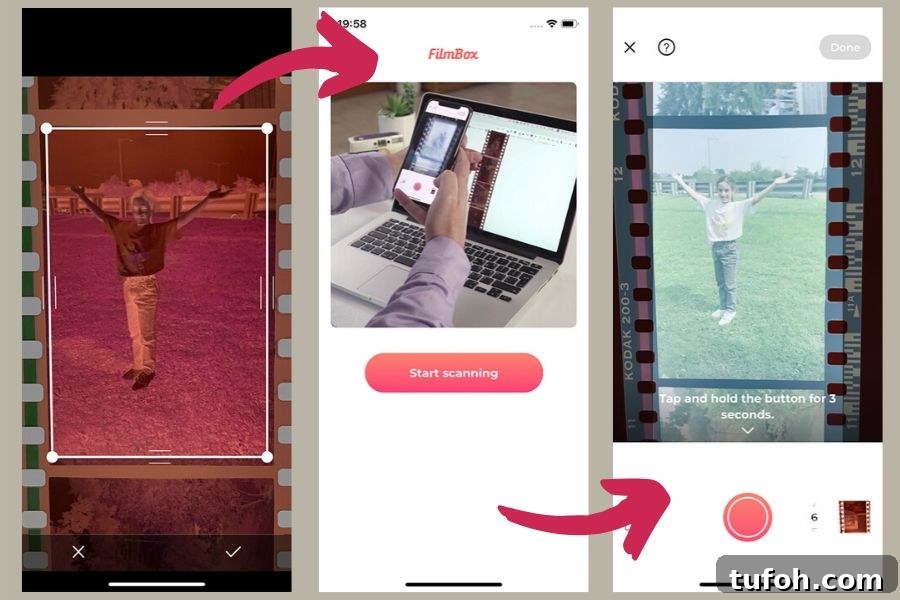
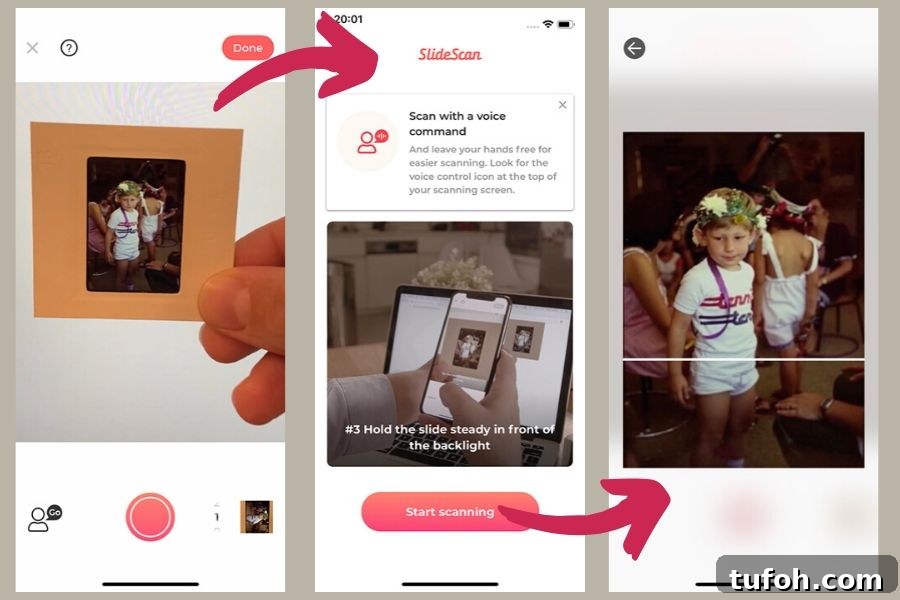
If your collection includes negatives or slides, Photomyne offers additional apps to handle them. FilmBox scans negatives, while SlideScan captures old slides. These options are useful when you need to convert different media types into digital images.
Bring Your Scanner to Family Events
Heading to a family reunion? Ask relatives to bring their old photos and offer to scan them on the spot. With a phone-based scanner you can digitize and immediately share images, collecting new photos and stories right away. Those scans will enrich your genealogy research and strengthen family connections.
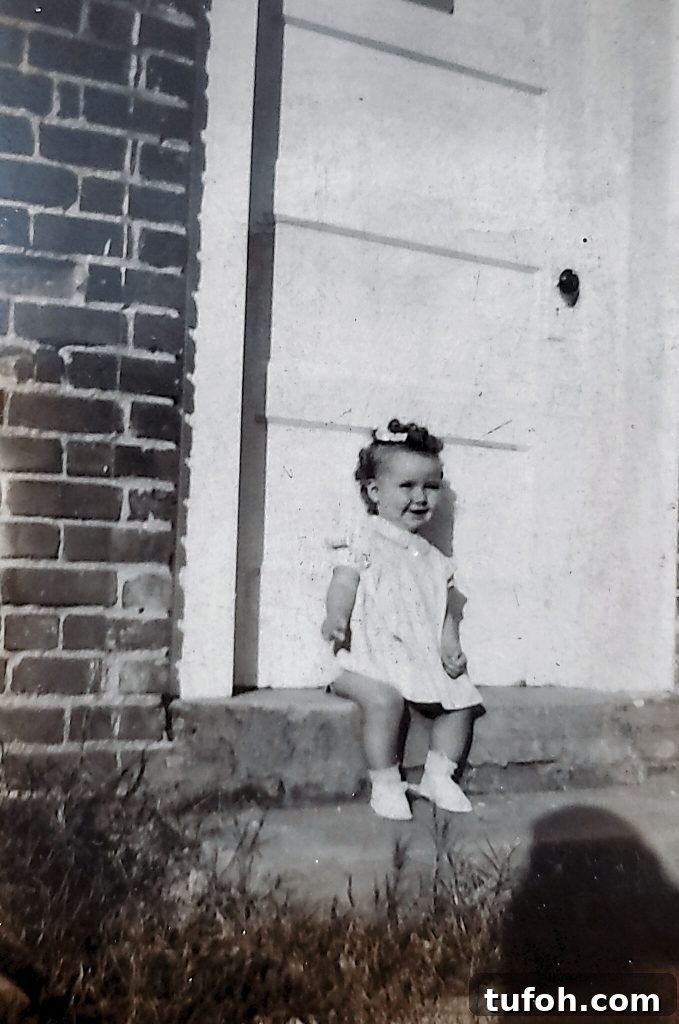
Never underestimate the power of a photograph and the story behind it.
Preserve the photo.
Preserve the stories.
Preserve the family history.
Other Posts About Old Family Photos You May Be Interested In:
- Tips & Resources To Find Old Family Photos
- Identify Old Family Photographs – Who IS That Couple?
- How to Identify 5 Types of Old Photographs